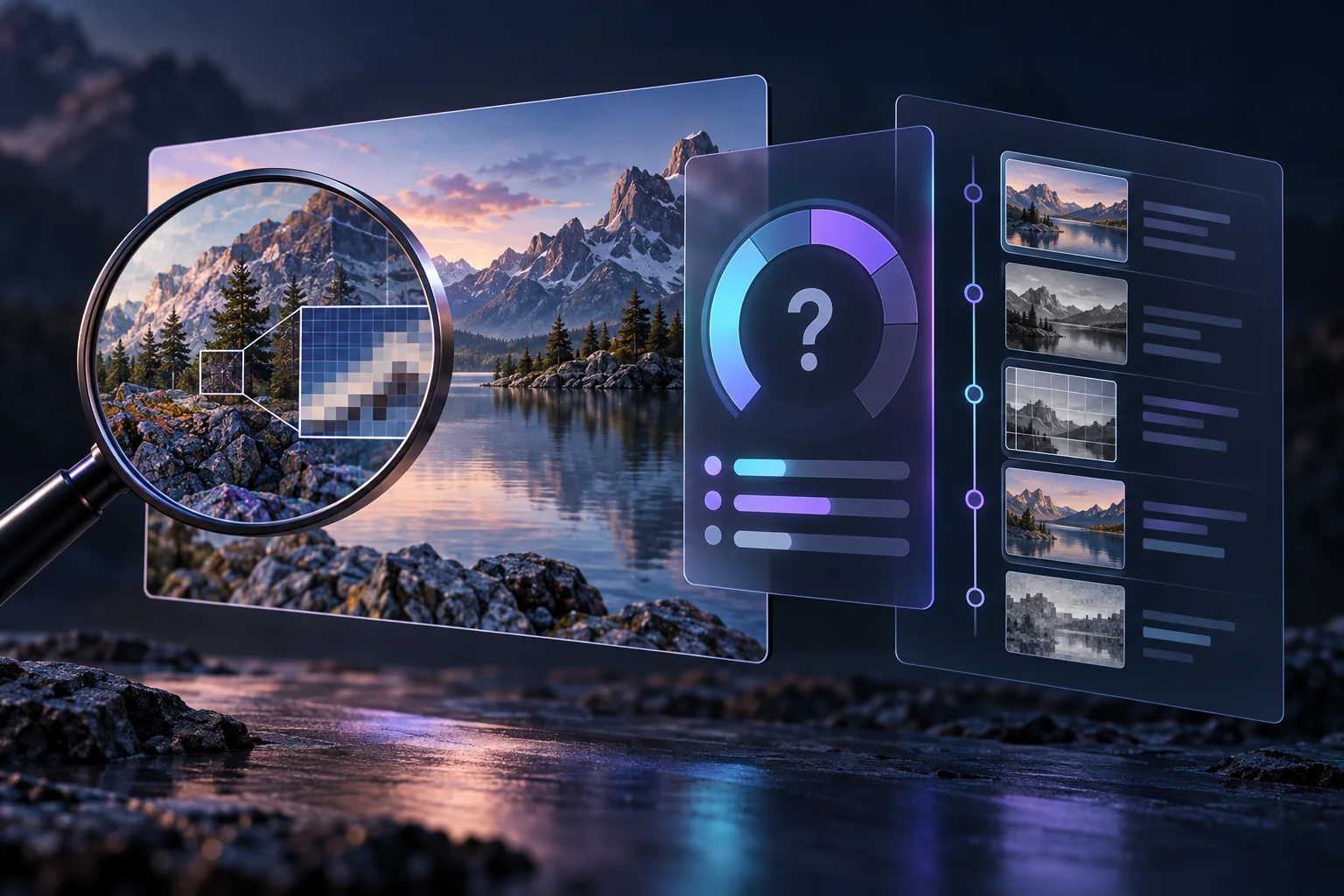
When an AI image misses the request, adding more words is not always the answer. Long prompts can contain conflicts, unclear priorities and details the model cannot place consistently. A controlled troubleshooting process helps identify which instruction or setting caused the failure.
Define the main failure
Choose one problem: missing subject, wrong composition, inconsistent colour, unwanted object, weak lighting or broken detail. If you try to solve everything at once, you cannot tell which change helped.
Simplify the prompt
Reduce the instruction to the essential subject, action, environment, composition and light. Remove repeated synonyms and decorative terms that do not affect the goal. Generate a small comparison set before adding secondary details.
Remove conflicts
Prompts can accidentally request incompatible camera angles, lighting conditions, clothing, actions or environments. Read each phrase as a visual instruction and ask whether all of them could exist in one coherent scene.
Change one variable at a time
- Save the seed and current settings.
- Change one major phrase or control.
- Generate comparable outputs.
- Record whether the target problem improved.
- Keep the useful change and move to the next issue.
This approach is slower than random experimentation for one attempt but faster when you need repeatable results.
Separate composition from detail
Establish the subject placement, camera distance and major shapes before refining texture and small accessories. If composition is wrong, detailed surface prompts will not rescue it.
Use negative instructions carefully
Negative prompts can discourage recurring defects, but an enormous generic list may create unexpected tradeoffs. Use a short list tied to observed failures and test whether each item contributes.
Is it a prompt problem or an artifact?
A correct concept can still contain broken hands, repeated patterns or inconsistent edges. Those are better handled with the inspection workflow in How to Find and Fix AI Image Artifacts. A small defect may need inpainting rather than a complete prompt rewrite.
Keep a workflow record
Save model identifiers, prompt, negative prompt, seed, dimensions and important settings. If an interface embeds workflow information, retain it with the editable project while considering privacy before sharing metadata publicly.
Responsible boundaries
Better prompting should support original fictional art, not deceptive imagery of real people or attempts to bypass safety systems. All adult characters should be clearly fictional and unambiguously adult.
Frequently asked questions
Why does adding more prompt words sometimes make results worse?
Long prompts can contain conflicts, unclear priorities and decorative terms that compete with the main subject and composition.
What should I change first when a prompt fails?
Identify one main failure, save the current settings and change one major instruction at a time.
Should I keep the same seed while troubleshooting?
Keeping the seed can make controlled comparisons easier because fewer variables change between attempts.
When should I use inpainting instead of rewriting the prompt?
Use inpainting when the main composition works and only a limited region contains a defect.
Comparing hosted tools? Continue with the Undress AI tools comparison or browse the AI generator guide before choosing a third-party service.