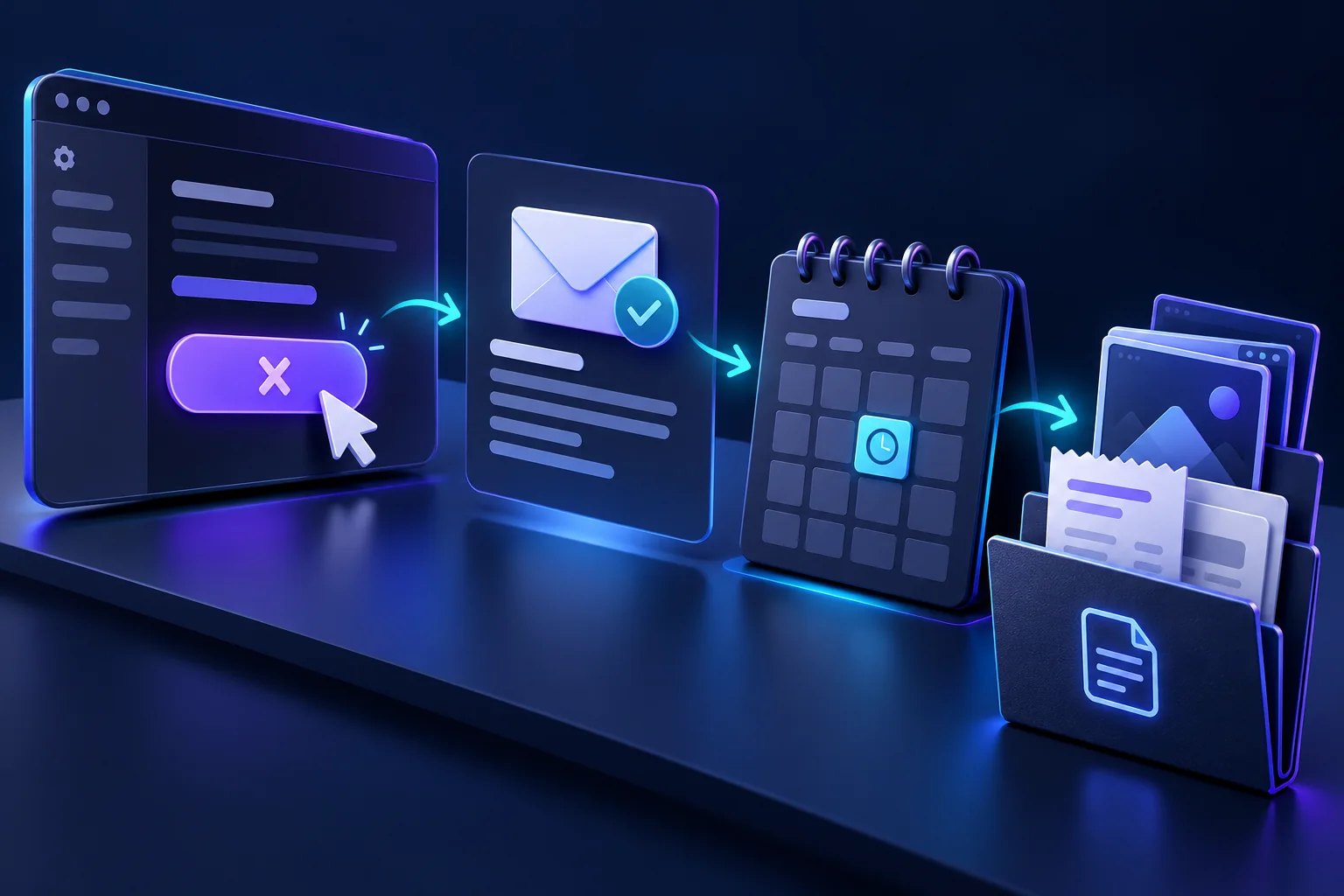
A useful cancellation record shows which subscription you ended, when you acted and what the provider confirmed. It helps distinguish a completed cancellation from an unfinished request or a different action, such as pausing access.
You do not need a complicated evidence folder. A small set of dated records is usually easier to explain than a large collection of unrelated screenshots containing private information.
Find the actual billing channel
Start with the receipt or subscription confirmation. Establish whether the subscription was purchased directly, through an app store or through another billing arrangement. An application account and the channel managing its renewal may be separate.
For subscriptions managed by Google Play, Google's official cancellation guide provides the relevant process. Use documentation for the channel named in your own purchase records rather than assuming that another service's instructions apply.
If you cannot find the subscription, check which account was used for the purchase. Do not create another paid account to solve that uncertainty.
Save the relevant starting details
Record the plan name, billing period, next displayed renewal and an account or order reference. Retain the receipt and applicable terms. Do not include a password, card security code or full payment-card number in your notes.
If a screenshot is useful, capture the relevant status and date rather than an entire screen filled with unrelated personal information. Keep the original record privately and use a redacted copy when a support enquiry does not require everything it contains.
Complete the process and read the result
Follow the current cancellation route until you receive a clear result. A screen inviting you to reconsider, accept a discount or pause a plan may be an intermediate step. Read the confirmation to establish whether renewal has stopped and when access is due to end.
Save the confirmation email or page, its date and any reference number. If the wording is ambiguous, ask a specific question such as whether any future recurring payment remains scheduled for the identified subscription.
The guide to free trials and automatic renewals explains why the trial endpoint and the cancellation time can both matter.
If the cancellation route does not work
Keep a brief record of the problem, such as an error message or an unavailable control, and contact verified support promptly. State the subscription concerned and that you want recurring renewal ended. Ask for written confirmation and the effective date.
Do not falsely describe an unsuccessful attempt as a completed cancellation. A record should distinguish what you requested from what the service actually confirmed. That distinction makes later enquiries more precise.
Keep account deletion separate
Preserve necessary billing records before closing an account. Deletion may remove your access to receipts or message history without resolving the question of renewal. See deleting an upload versus deleting an account for the different purposes of those actions.
Similarly, cancelling a subscription does not necessarily delete uploaded content. If privacy is your objective as well, make an appropriately scoped request through the relevant route.
Check any later charge against the record
If another charge appears, compare it with the confirmed effective date, the billing period and any separate purchases or subscriptions. Send support a concise timeline with the relevant confirmation rather than a vague statement that you stopped using the app.
For an unresolved or unfamiliar payment, use how to request help with unexpected charges. Contact the payment provider promptly where needed; do not let a prolonged support exchange cause you to miss an applicable dispute deadline.
Related reading
Deleting an Upload vs Deleting an Account: What Changes?