Local AI image generation does not require the most expensive computer available, but hardware affects which models, resolutions and workflows are practical. The useful question is not “What is the best GPU?” It is “What workload do I need to run, how often, and what compromises can I accept?”
Start with the workload
Define whether you plan to create occasional images, run repeated batches, use inpainting, train small adaptations or work at high resolution. A computer that is comfortable for basic generation may struggle with larger models, multiple conditioning tools or training.
Why GPU memory matters
GPU memory holds model components and intermediate data during processing. More memory generally gives a workflow room for larger models, higher resolutions and additional controls. When a task exceeds available memory, software may use slower fallback methods, reduce settings or fail.
Memory requirements vary with the model, precision, interface and extensions. Treat exact numbers in promotional charts as examples rather than universal rules.
GPU speed and software support
Raw speed matters, but software compatibility matters too. Check whether the interface and required libraries support the operating system and hardware family you intend to use. A theoretically powerful device is a poor choice if the workflow depends on unreliable workarounds.
System memory and storage
System RAM supports the operating system, model loading and other applications. Fast storage improves model loading and makes it easier to maintain several checkpoints, outputs and backups. Model collections can grow quickly, so plan storage deliberately rather than filling the system drive.
Use a staged resolution strategy
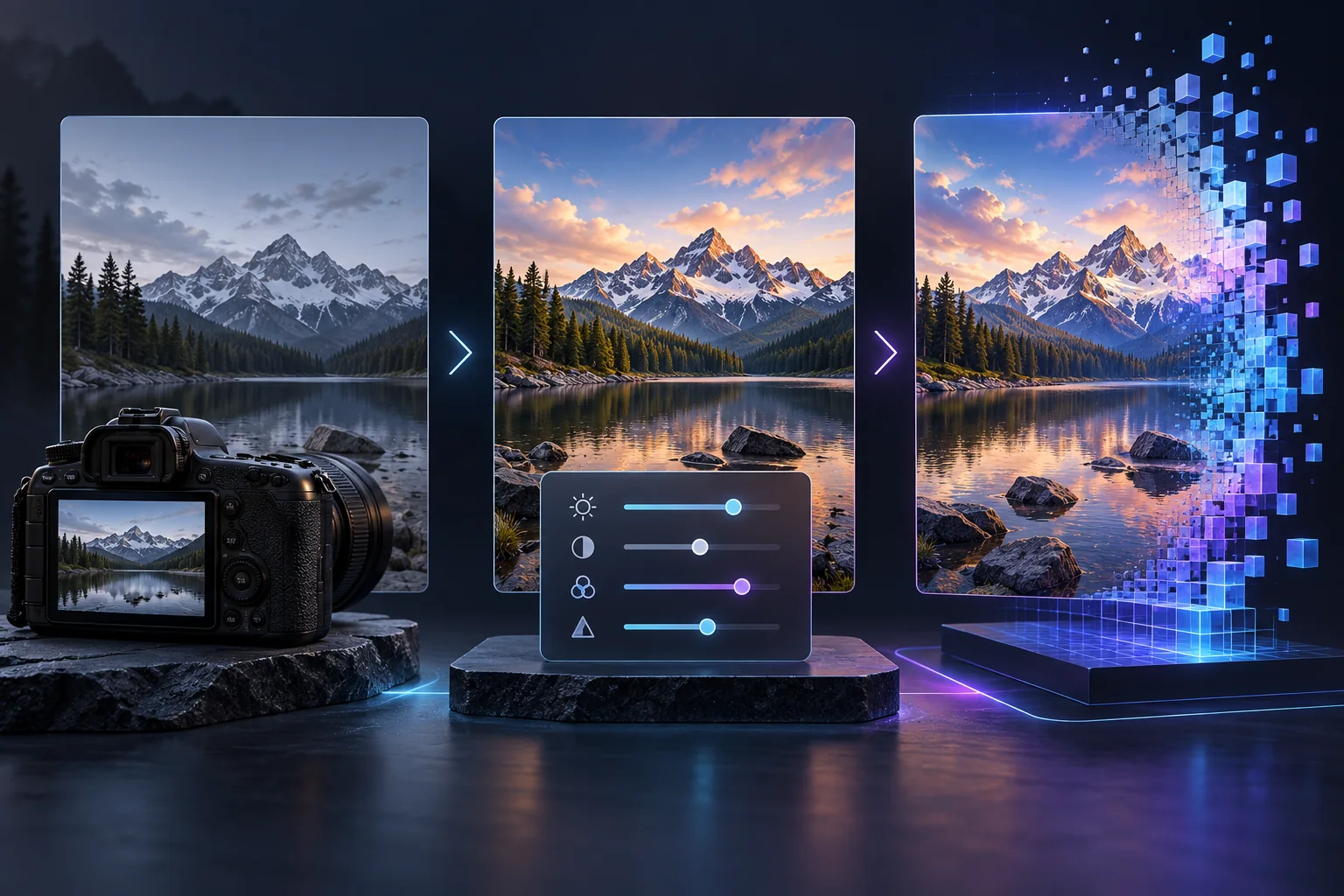
Starting at a moderate resolution and refining or upscaling later is often more efficient than generating the final large image in one pass. It also lets you reject a weak composition before spending more compute time.
For corrections, a focused inpainting workflow can be more efficient than regenerating the complete image.
Laptop, desktop or cloud?
- Desktop: easier cooling and upgrades, but less portable.
- Laptop: convenient, but sustained workloads may be limited by heat, power and non-upgradeable components.
- Cloud: avoids hardware purchase, but introduces recurring cost and data-policy questions.
Compare those tradeoffs in Local vs Cloud AI Image Generation.
A practical buying checklist
- List the exact models and interfaces you expect to use.
- Check recent compatibility documentation for your operating system.
- Estimate storage for models, outputs and backups.
- Consider cooling, power consumption and noise.
- Compare total ownership cost with realistic cloud usage.
- Leave room for the workflow to grow without buying solely for hypothetical needs.
Frequently asked questions
Do I need an expensive GPU for AI image generation?
Not for every workflow. Smaller models and moderate resolutions can run on less powerful hardware, while larger models and training require more resources.
Why is GPU memory important?
GPU memory holds model components and intermediate data. More capacity generally allows larger models, resolutions and additional controls.
Is a laptop suitable for local generation?
A supported laptop can work, but cooling, sustained power and non-upgradeable components may limit longer workloads.
When is cloud processing a better choice?
Cloud processing can be practical for occasional use or workloads that would not justify buying dedicated hardware.
Comparing hosted tools? Continue with the Undress AI tools comparison or browse the AI generator guide before choosing a third-party service.